
Please follow the instructions below to set up your account.
3 Easy Steps.
Download the app - https://discord.com/download
Make a profile.
Hit the server link - https://discord.gg/HzgSjEbPH6
See below for a more detailed walkthrough.
Download the app
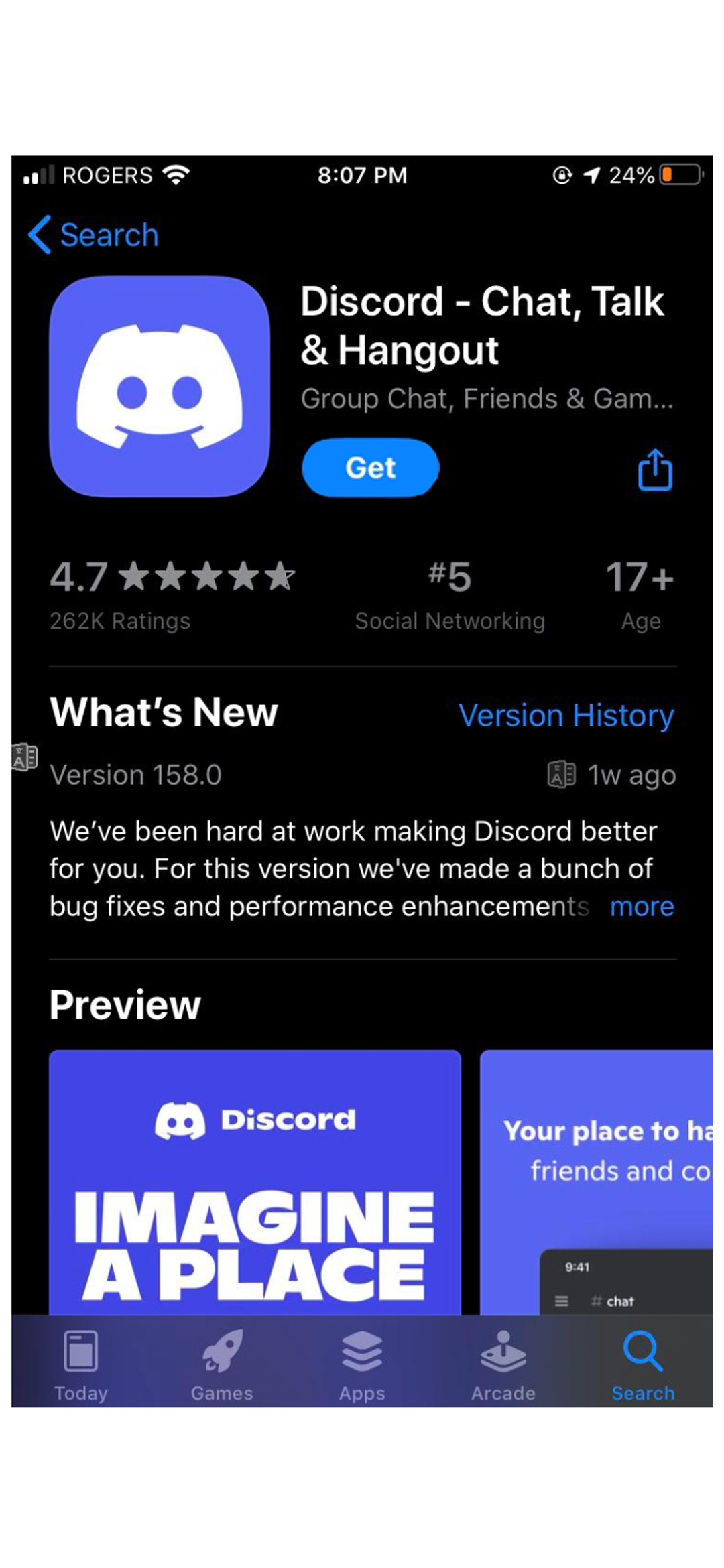
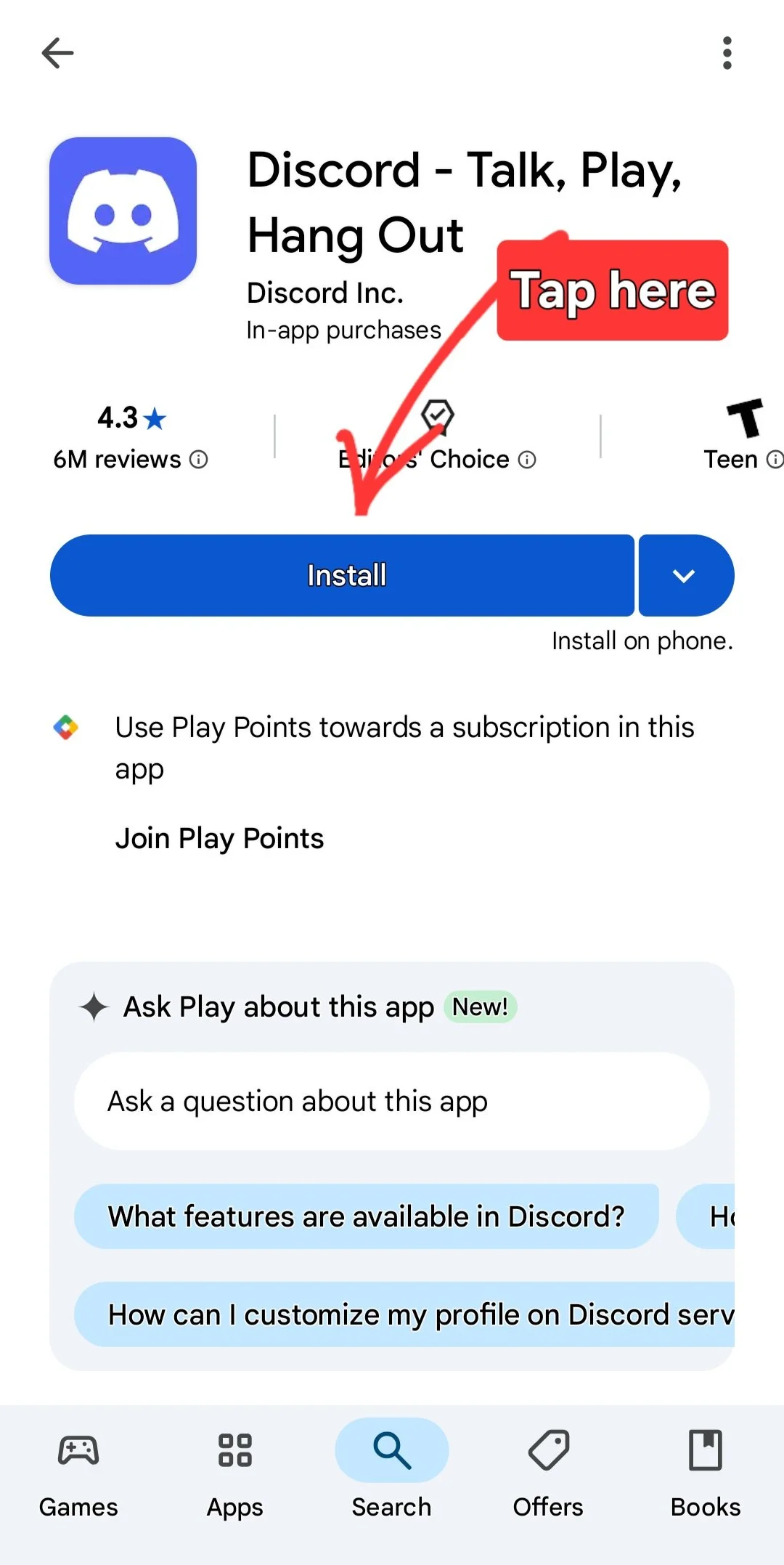
Click this link below to download the discord app - it runs our server
Android
iphone
2. register an account
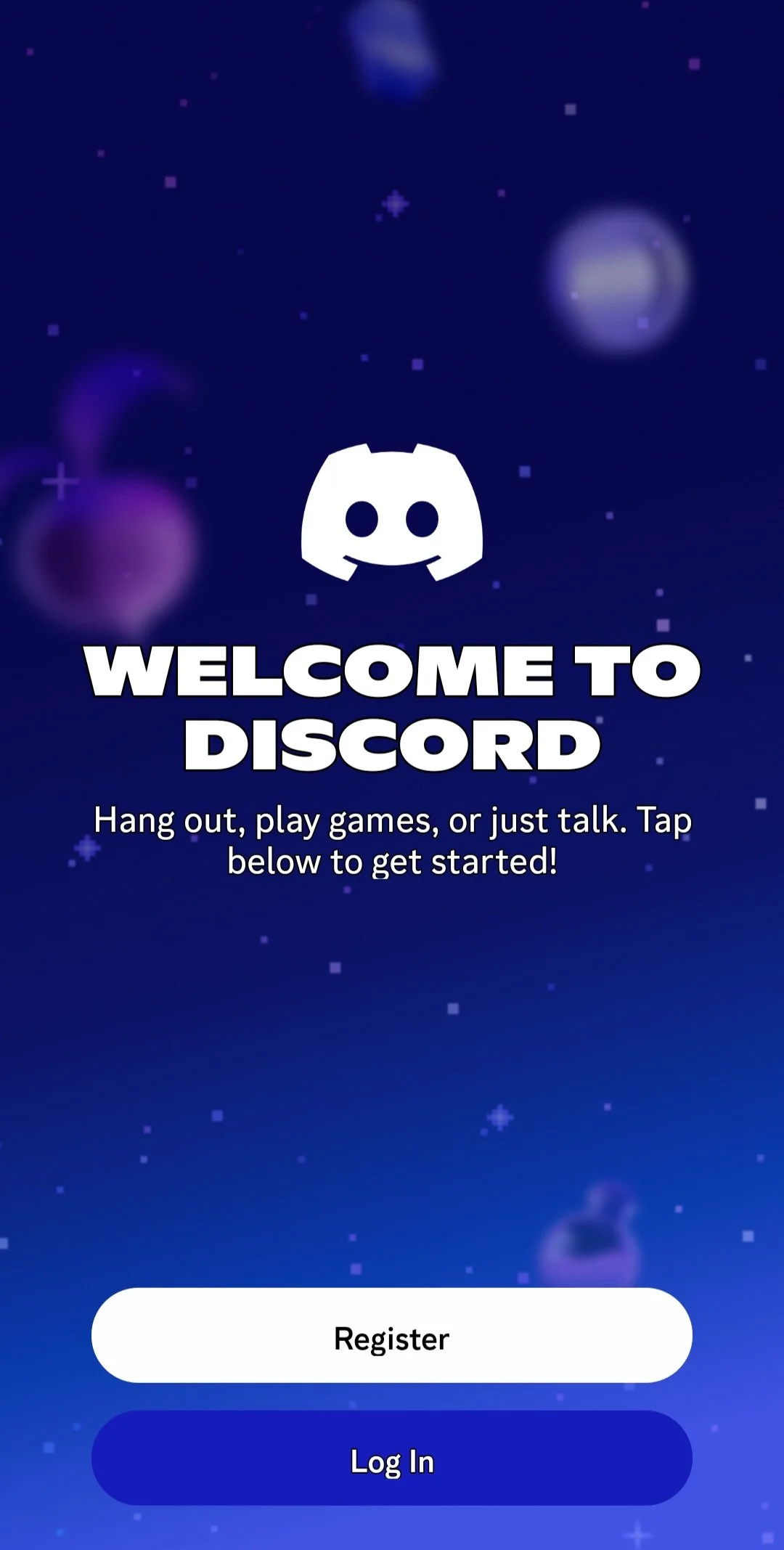
Click on “register” and follow the on screen instructions
Email - enter email (never shared)
Name - Enter a display name ex: (UtahOverlandCommunity) or (John Smith)
Username - a username ex: (UtahOverlandCommunity) or (John Smith)
Birthday - Enter anything here
Confirm human and complete reCAPTCHA
Skip find your friends
7. Profile Picture - upload rig (not necessary just helpful)
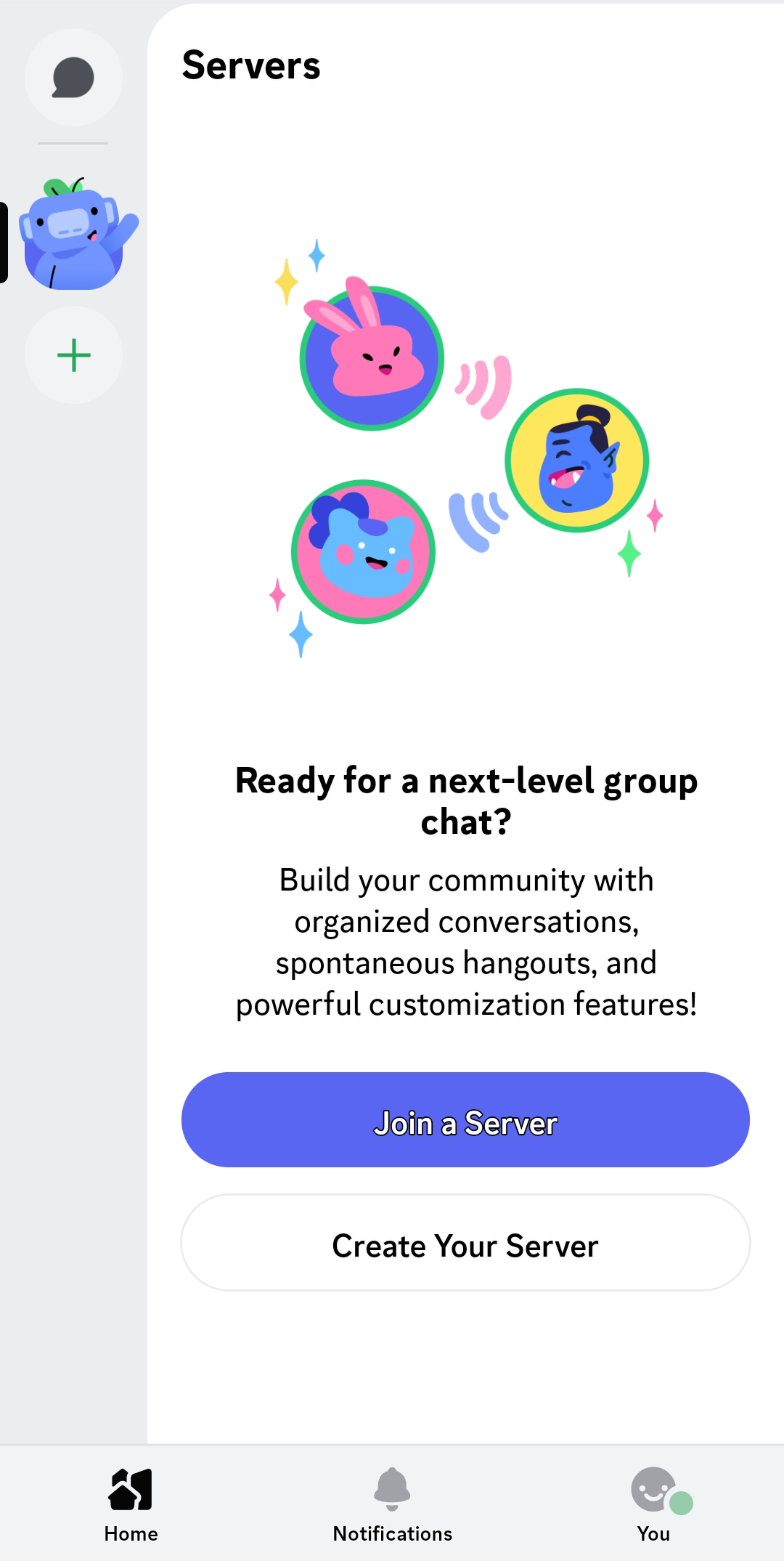
5. Read the #welcome channel
That’s it! Reach out to us with questions!