
Please follow the instructions below to set up your account.
3 Easy Steps.
Download the app - https://discord.com/download
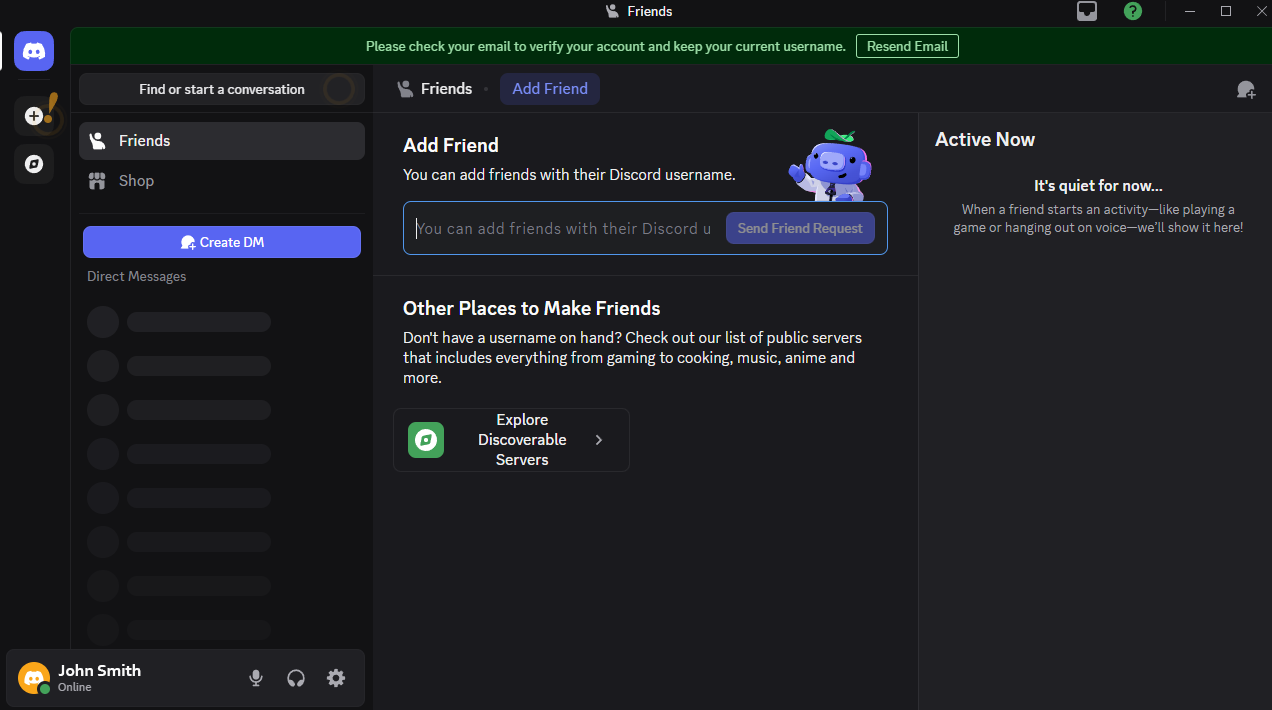
Make a profile.
Hit the server link - https://discord.gg/HzgSjEbPH6
See below for a more detailed walkthrough.
Download the app
Click this link below to download the discord app - it runs our server
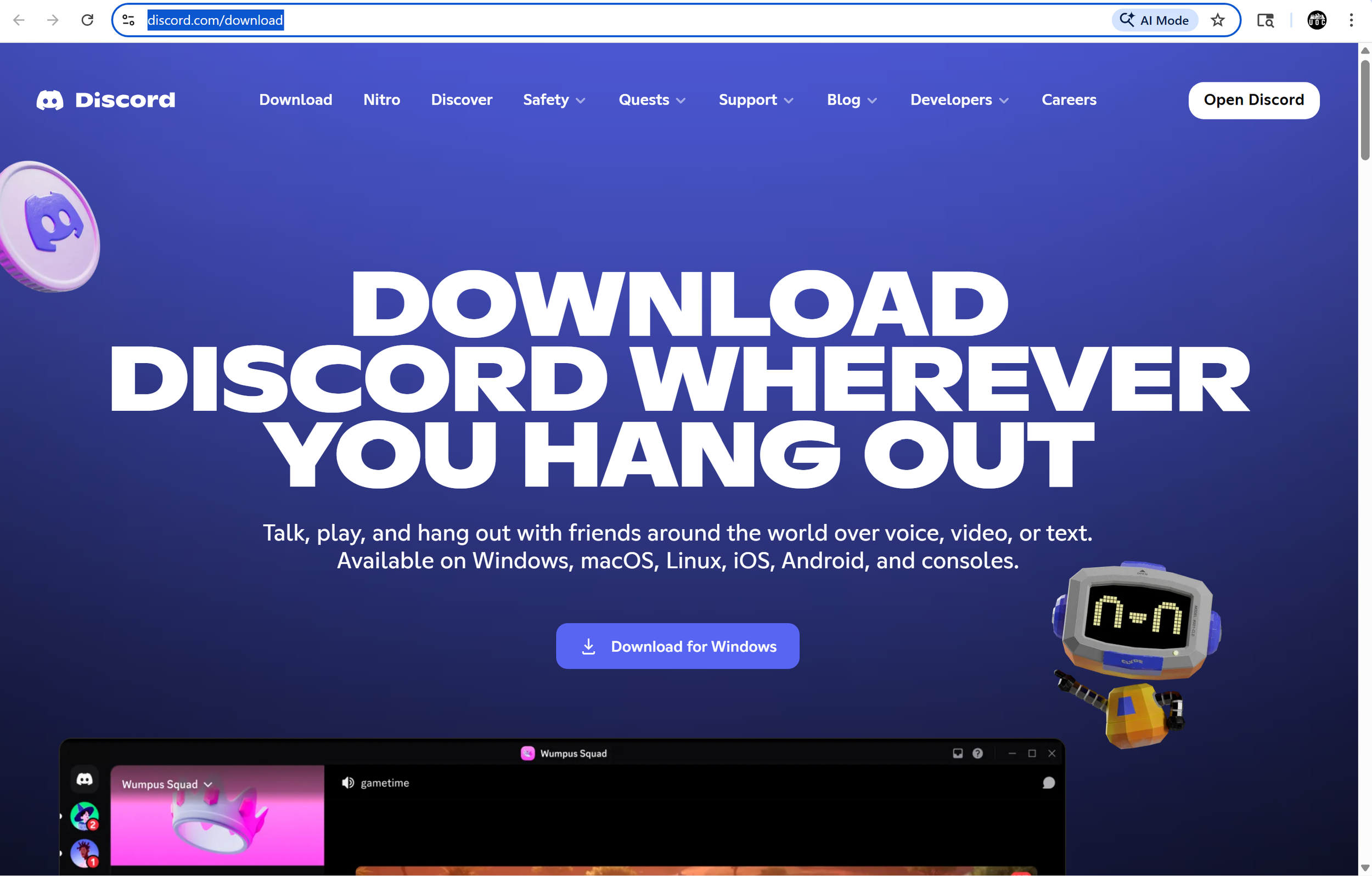
1. Download
2. Run the file
Windows
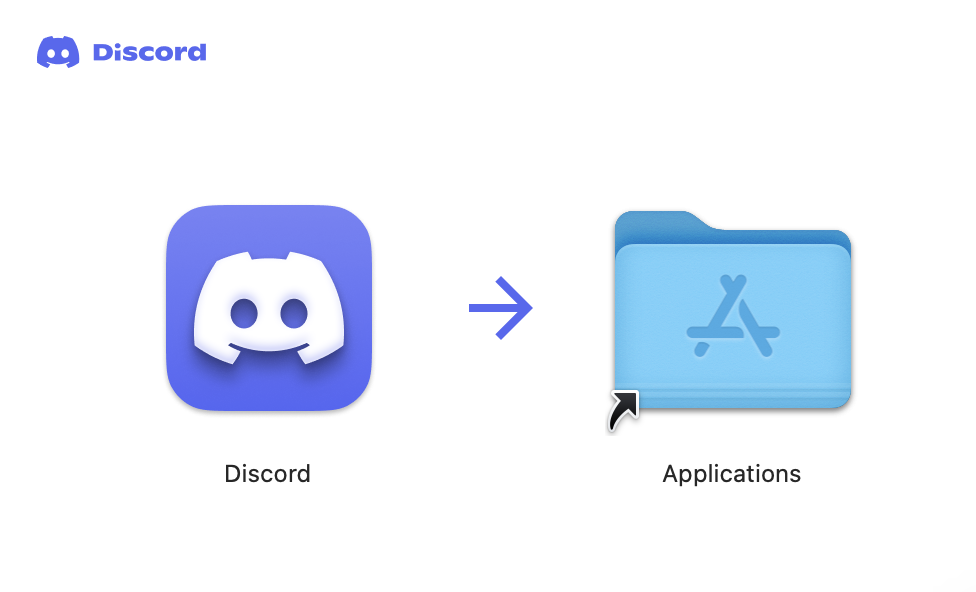
MAC
1. Download
2. Open the file (top right)
3. Drag and drop Discord into the Applications folder
4. Launch discord found on your desktop
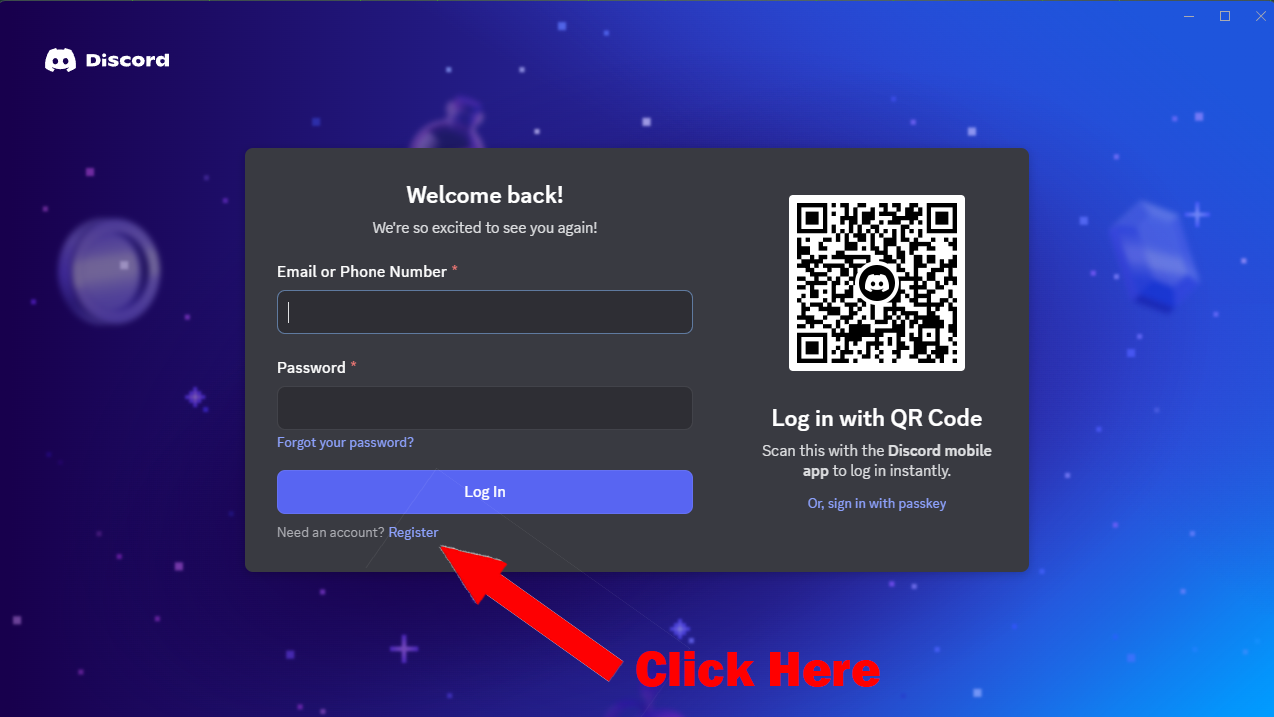
2. register an account
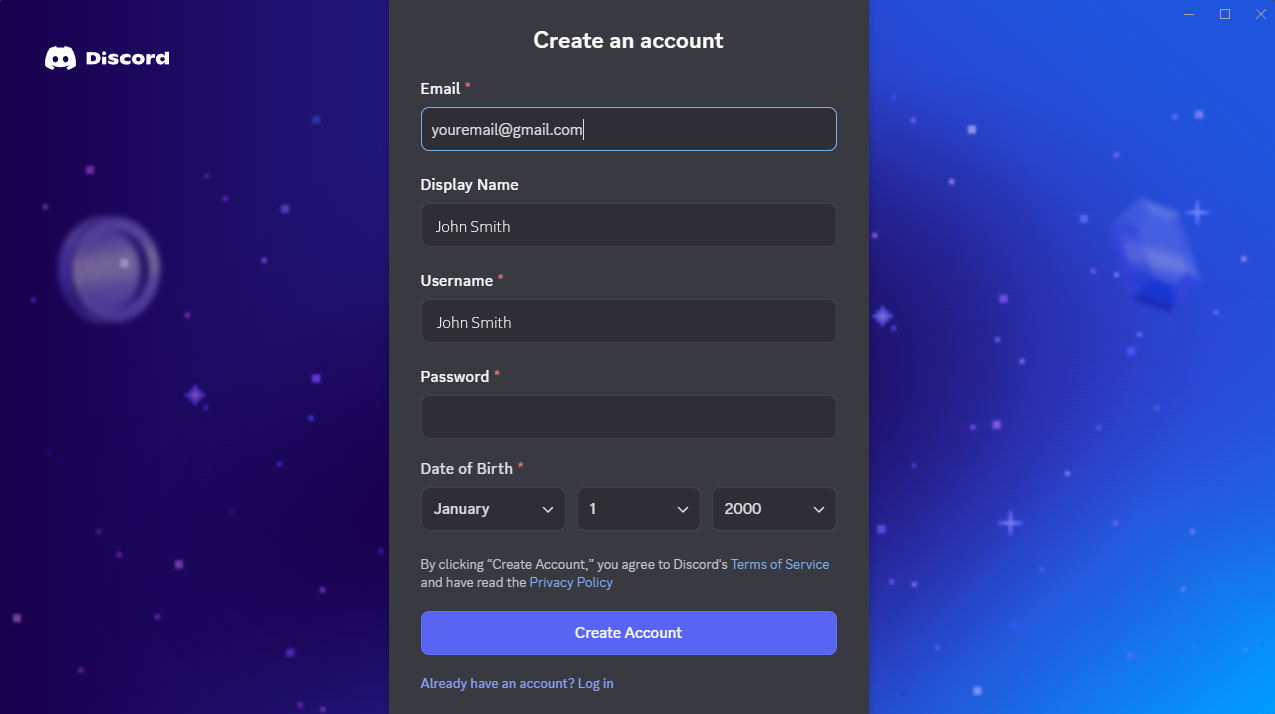
Click on “register” and follow the on screen instructions
Email - enter email (never shared)
Name - Enter a display name ex: (UtahOverlandCommunity) or (John Smith)
Username - Enter a username ex: (UtahOverlandCommunity) or (John Smith)
Birthday - Enter anything here
Confirm human and complete reCAPTCHA
Skip find your friends
7. Profile Picture - upload rig (not necessary just helpful)
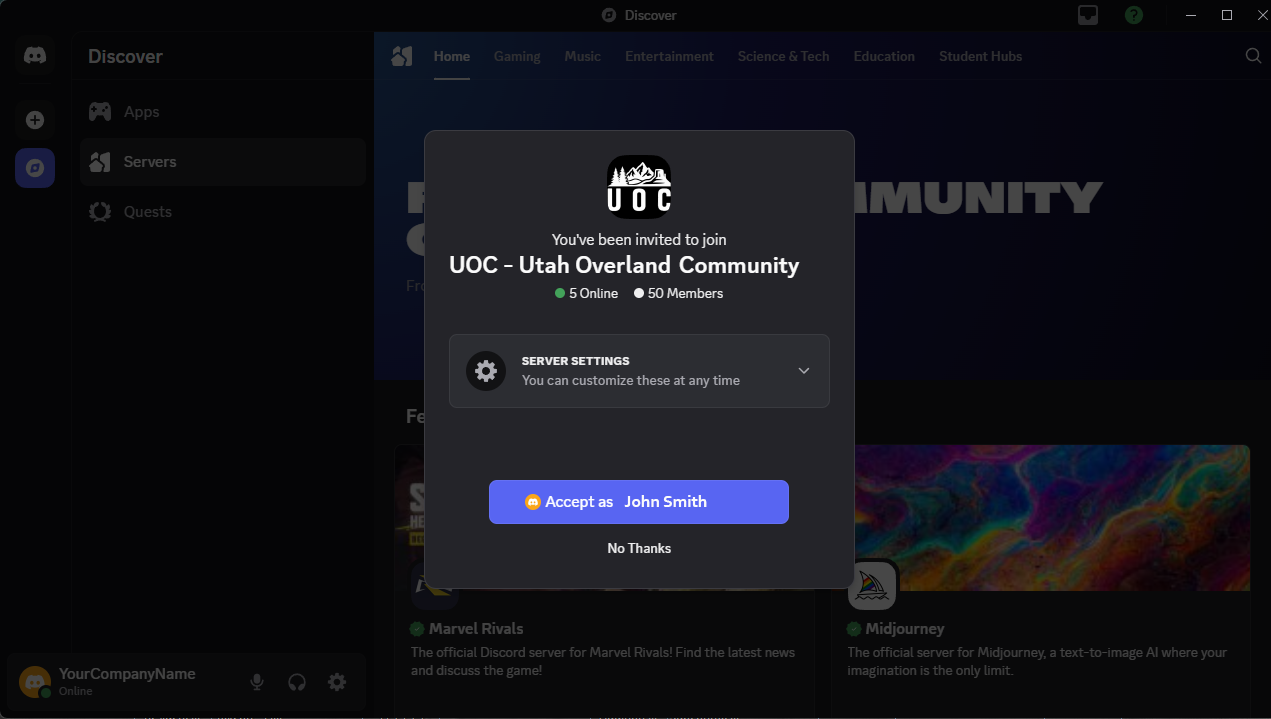
4. Read the #welcome channel
That’s it! Reach out to us with questions!